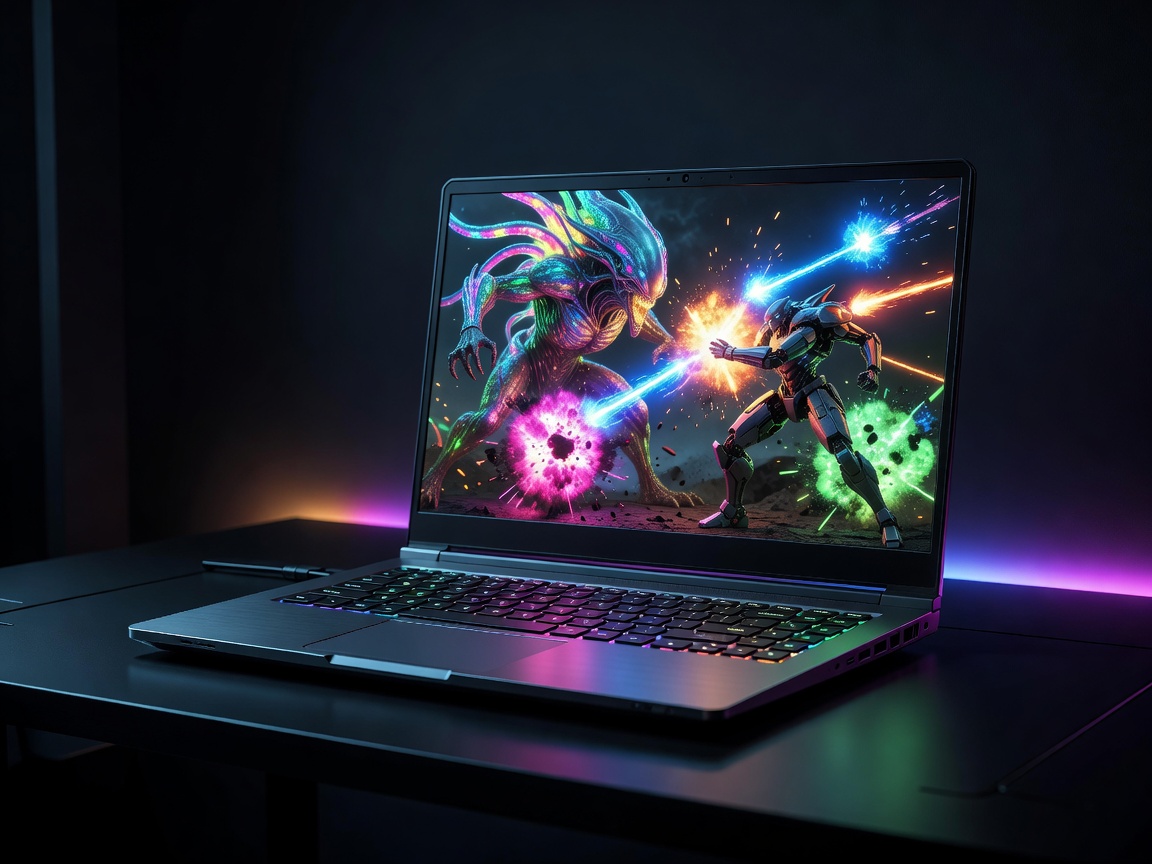
The gaming laptop segment is a marvel of modern engineering. Fitting hardware capable of rendering photorealistic, real-time 3D environments into a chassis that fits inside a backpack requires overcoming immense physics challenges. Today's gaming laptops blur the lines between desktop replacements and portable workstations, offering unprecedented graphical fidelity on the go.
The GPU: The Heart of Gaming
The single most important component in any gaming laptop is the dedicated Graphics Processing Unit (GPU). Unlike ultrabooks, which rely on integrated graphics shared with the CPU, gaming laptops utilize discrete chips primarily manufactured by NVIDIA or AMD. These components dictate your framerates, graphical settings, and supported resolutions.
When selecting a GPU, it is vital to look beyond the model number. In the mobile space, a GPU's performance is heavily tied to its Total Graphics Power (TGP), measured in watts. A mid-tier GPU configured to run at 140 watts in a thick, well-cooled chassis will frequently outperform a high-tier GPU constrained to 80 watts in a thin-and-light chassis. Always verify the wattage of the GPU in the specific laptop model you are considering, as manufacturers can configure the same chip quite differently depending on thermal limits.
Furthermore, technologies like NVIDIA's DLSS (Deep Learning Super Sampling) and AMD's FSR (FidelityFX Super Resolution) have become essential. These AI-driven upscaling technologies allow the laptop to render games at a lower internal resolution and upscale them, dramatically improving framerates with minimal loss in visual quality.
Displays: Resolution vs. Refresh Rate
A high-end GPU is wasted if it isn't paired with a capable display. The gaming laptop market has largely moved past standard 60Hz panels. Today, refresh rates typically start at 144Hz and can scale up to 360Hz or higher. A higher refresh rate ensures that rapid on-screen motion appears buttery smooth, providing a distinct competitive advantage in fast-paced esports titles.
However, resolution is equally critical. While 1080p (FHD) remains the standard for pure competitive gaming where maximum framerates are desired, 1440p (QHD) has become the sweet spot for most gamers. It offers a noticeable leap in sharpness over 1080p without putting as crushing a load on the GPU as a 4K display would. Unless you are playing visually stunning story-driven games exclusively, or using the laptop for professional 4K video editing, a QHD panel running at 165Hz or 240Hz represents the best balance for modern mobile gaming.
Thermals and Form Factor
Heat is the enemy of performance. When components get too hot, they "thermal throttle"—reducing their clock speeds to prevent physical damage, which causes massive framerate drops during gameplay. Therefore, the cooling system is just as important as the silicon itself.
Laptops utilize a network of copper heat pipes, vapor chambers, and high-RPM fans to dissipate heat. Generally, thicker and heavier laptops have larger heatsinks and larger fans, allowing them to run cooler and quieter. Thin-and-light gaming laptops are visually appealing and easier to transport, but they run hotter, suffer from louder fan noise, and often have lower GPU wattage limits.
Memory and Storage
Modern games are massive, frequently exceeding 100GB per title. A 512GB Solid State Drive (SSD) will fill up incredibly fast. Aim for a minimum of 1TB of NVMe SSD storage, and ideally, look for a laptop that offers a secondary, empty M.2 slot for future expansion.
For RAM, 16GB is the absolute minimum requirement for gaming in 2026. However, 32GB is rapidly becoming the recommended standard for users who want to multitask, stream their gameplay, or ensure the machine is future-proofed against increasingly demanding game engines. Crucially, ensure the RAM in the laptop is upgradeable (SO-DIMM slots) rather than soldered directly to the motherboard, giving you the flexibility to upgrade later.
Conclusion
Purchasing a gaming laptop is an exercise in balancing priorities. If maximum framerates and thermal efficiency are your goals, embrace a thicker chassis. If you need a machine that functions as a portable workstation by day and a gaming rig by night, thin-and-light options exist—just be prepared to accept louder fans and slight performance concessions. Always prioritize the GPU and the display, as these components are permanently fixed and will dictate the lifespan of your machine.