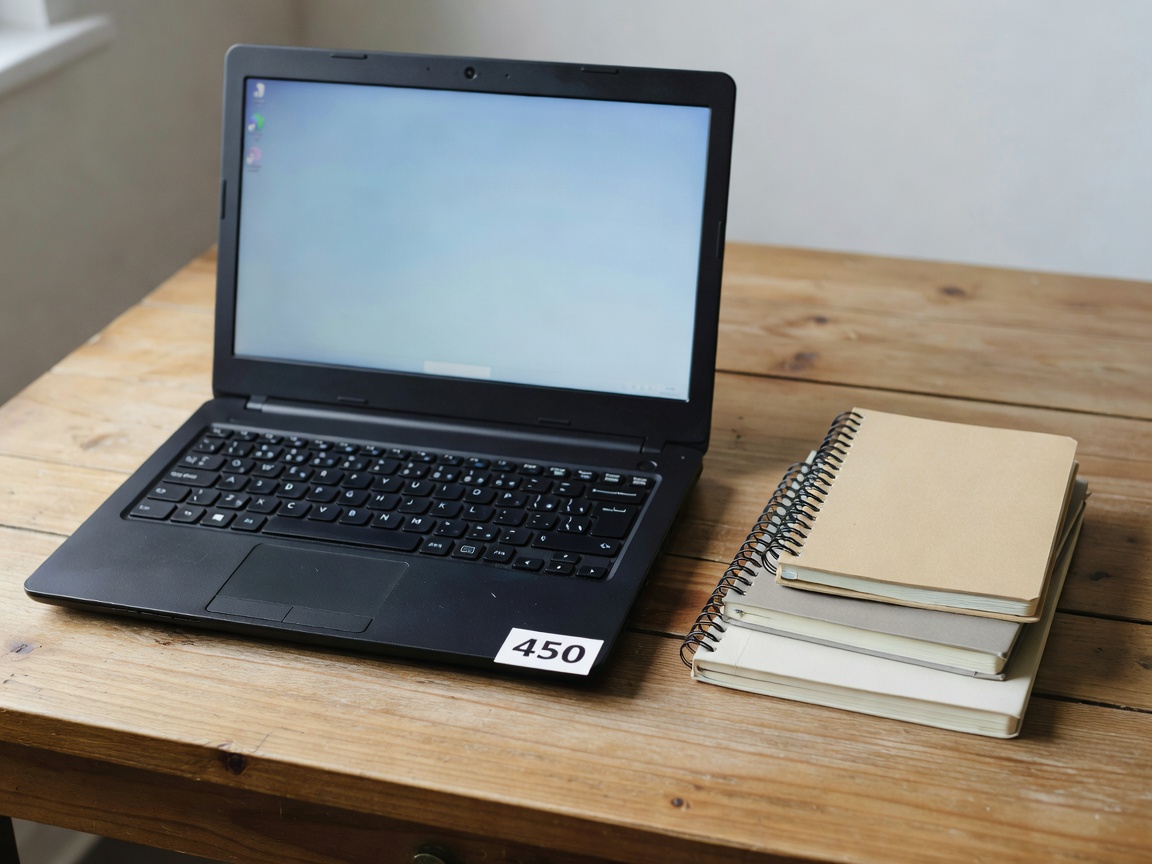
Shopping for a budget laptop is arguably more difficult than purchasing a high-end flagship model. When budget is unlimited, you simply pick the fastest, sleekest machine available. In the entry-level segment, however, manufacturers must make strategic compromises to hit aggressive price points. The key to finding a great budget laptop lies in understanding which compromises affect your daily experience and which ones you can safely ignore.
ChromeOS vs. Windows
The first major decision in the budget space is the operating system. Windows is the undisputed king of software compatibility, but it carries a heavier overhead. On lower-end hardware, Windows can sometimes feel sluggish, especially during system updates or heavy multitasking.
ChromeOS, found on Chromebooks, is a lightweight alternative centered entirely around the Google Chrome browser and web-based applications. Because the OS demands so few resources, a Chromebook with entry-level specifications will generally run much faster, boot quicker, and offer significantly longer battery life than a Windows laptop with identical hardware. If your computing needs are strictly limited to word processing, web browsing, email, and streaming media, a Chromebook often represents the best pure value. If you need to run specific desktop applications like Microsoft Office (offline) or specialized school software, Windows remains necessary.
The Non-Negotiable Specifications
In the past, budget laptops were plagued by mechanical hard drives (HDDs) and abysmal amounts of RAM. Today, the floor has been raised, but pitfalls still exist.
RAM (Memory): In 2026, 8GB of RAM is the absolute minimum you should accept on a Windows machine. Do not purchase a Windows laptop with 4GB of RAM, as the operating system itself will consume nearly all of it, leaving the machine struggling to run even a few web browser tabs. For Chromebooks, 4GB is acceptable, though 8GB is still highly recommended for longevity.
Storage: Avoid eMMC storage if possible. While better than old mechanical drives, eMMC is significantly slower than modern Solid State Drives (SSDs). Aim for at least a 256GB NVMe SSD. It provides the speed necessary for snappy boot times and quick application launches.
Processor: Look for at least a modern Intel Core i3, AMD Ryzen 3, or their equivalent entry-level tiers. Processors branded as Intel Celeron or Pentium are often too underpowered for comfortable long-term use, rapidly becoming frustrating as web technologies grow heavier.
Build Quality and Displays
To reduce costs, budget laptops frequently rely on all-plastic chassis designs. While plastic isn't inherently bad—it can be quite durable—it often exhibits "flex" in the keyboard deck and screen lid. When testing or researching a budget laptop, pay close attention to the hinge quality and keyboard stability.
Displays are another common area of compromise. Many entry-level machines still utilize TN (Twisted Nematic) panels instead of the vastly superior IPS (In-Plane Switching) panels. TN panels suffer from narrow viewing angles, meaning the screen colors will invert or wash out if you don't view it perfectly straight on. Always verify that the specification sheet lists an IPS display, ideally at 1080p (FHD) resolution. A poor screen will ruin the computing experience more than almost any other factor.
Navigating Upgradability
One way to maximize the lifespan of a budget laptop is to purchase a machine that allows for user upgrades. Many budget laptops have their RAM and storage soldered directly to the motherboard, meaning what you buy on day one is all you will ever have. A laptop that features accessible SO-DIMM slots for RAM and a standard M.2 slot for storage allows you to buy a cheaper base model now and upgrade its capabilities when your budget allows.
Conclusion
A tight budget does not mean you have to suffer a poor computing experience. By prioritizing 8GB of RAM, SSD storage, and an IPS display—while willingly sacrificing premium metal build materials and high-end processors—you can secure a reliable machine that will handle day-to-day productivity tasks for years to come.